 English
  Magyar

Sizes guide
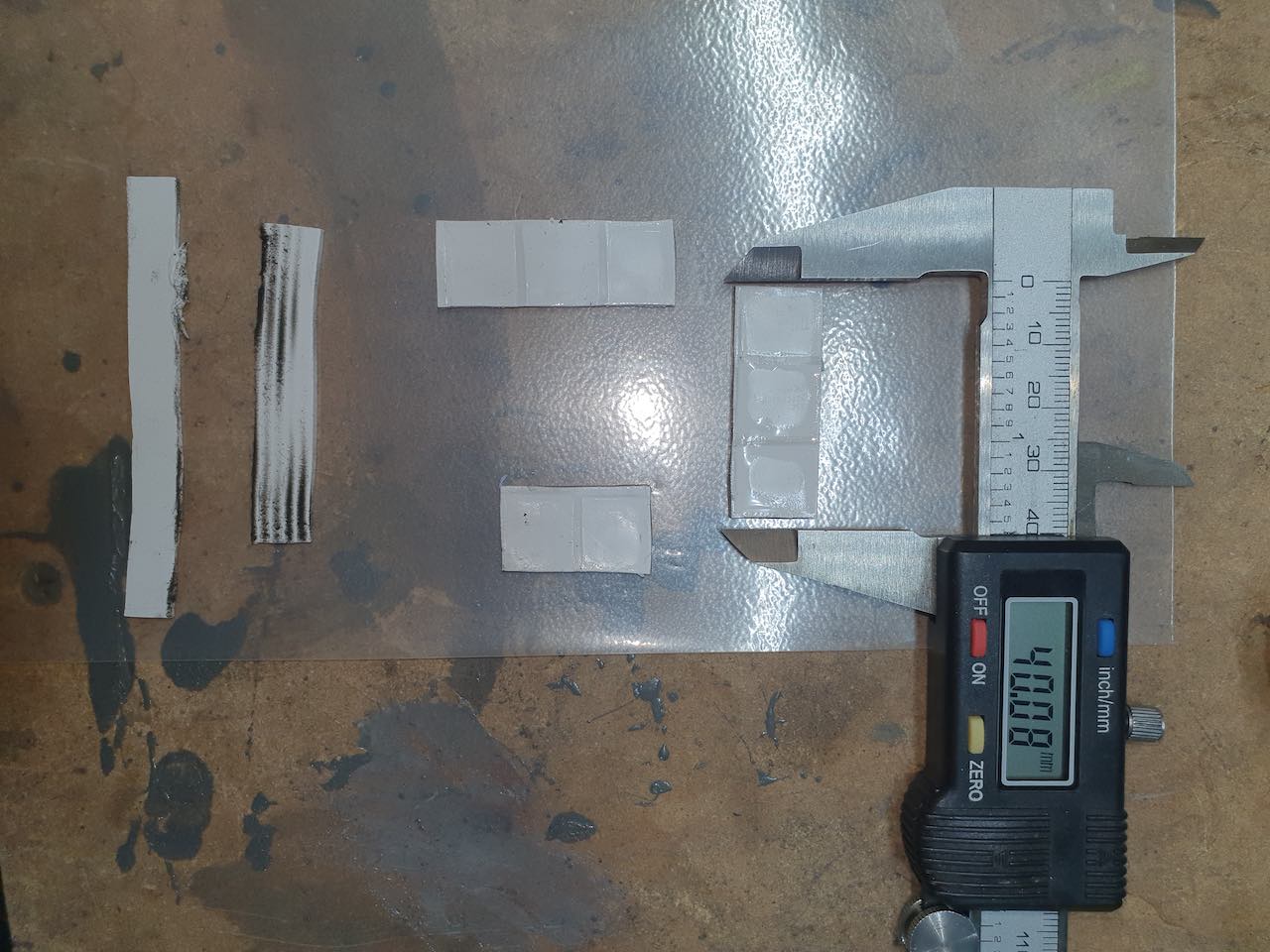
- The scrissor sign next to a size means it can be cut out from that slice of thermal pad. It is not the actual size! Example: 80x40x2mm
- One dimension size means it’s the thickness of that pad. Example: 1mm
- Two or three dimension sizes – with no scrissor sign – means it’s most probably an actual size. Example 100x14x1.5mm
About sizes
Sizes you find here come from various sources. Most of them reported by my clients whom successfully replaced their GPUs’ factory thermal pads with high quality aftermarket pads – getting significant results in their temperature drop. Some of these sizes are actual measurements and others just collected from random users on such websites like Reddit, YouTube or official / unofficial forums.
Do your own research
Please note that I cannot take any responsibility for the sizes appearing here. Do your own research as well before buying and replacing anything.
Tips
- Make sure your pads and GPU die contacts well with the heatsink.
- Always test your graphic cards and devices in controlled environment.

Elang
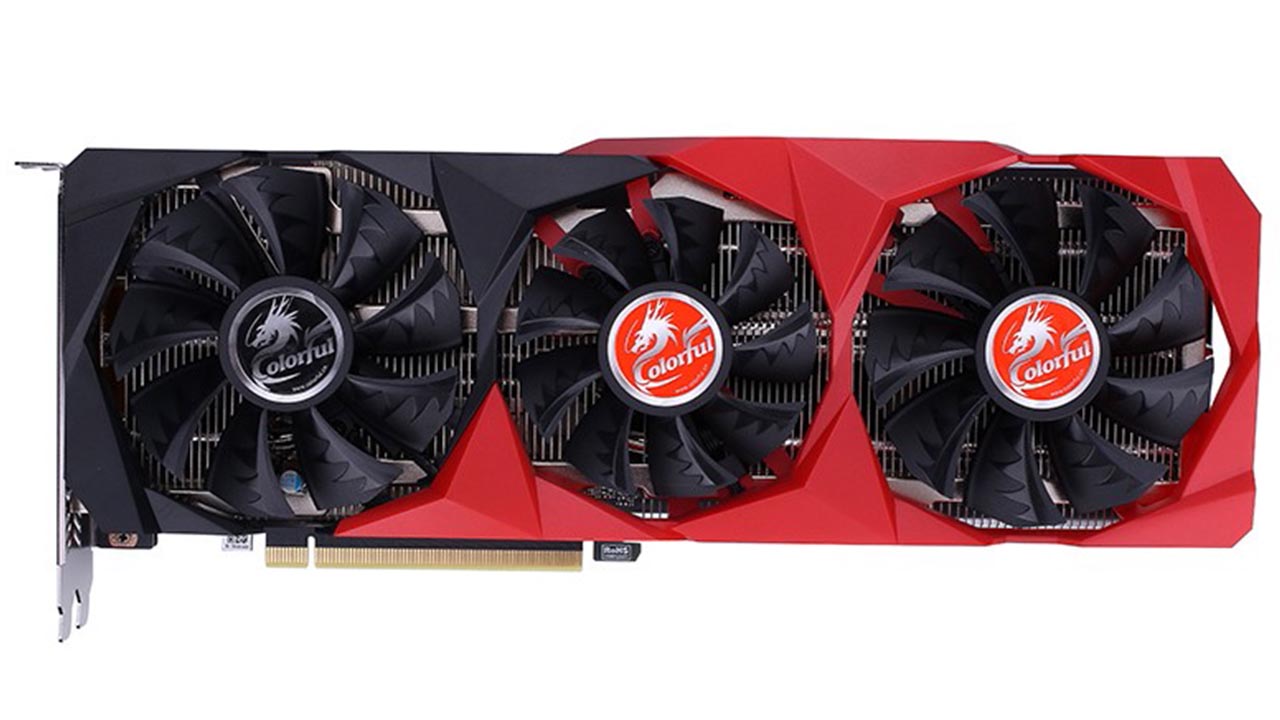
What is thickness of colorful battleaxe 3080ti?
Alejandro
Somebody knows what is the correct size for a aouros 3060ti elite. I will appreciate.